Why Bord writes on a board
Ask a chatbot how vaccines work and you get a column of text. Ask a follow-up and the first answer scrolls off your screen. To compare two ideas, you scroll back and forth and hold one of them in your head.
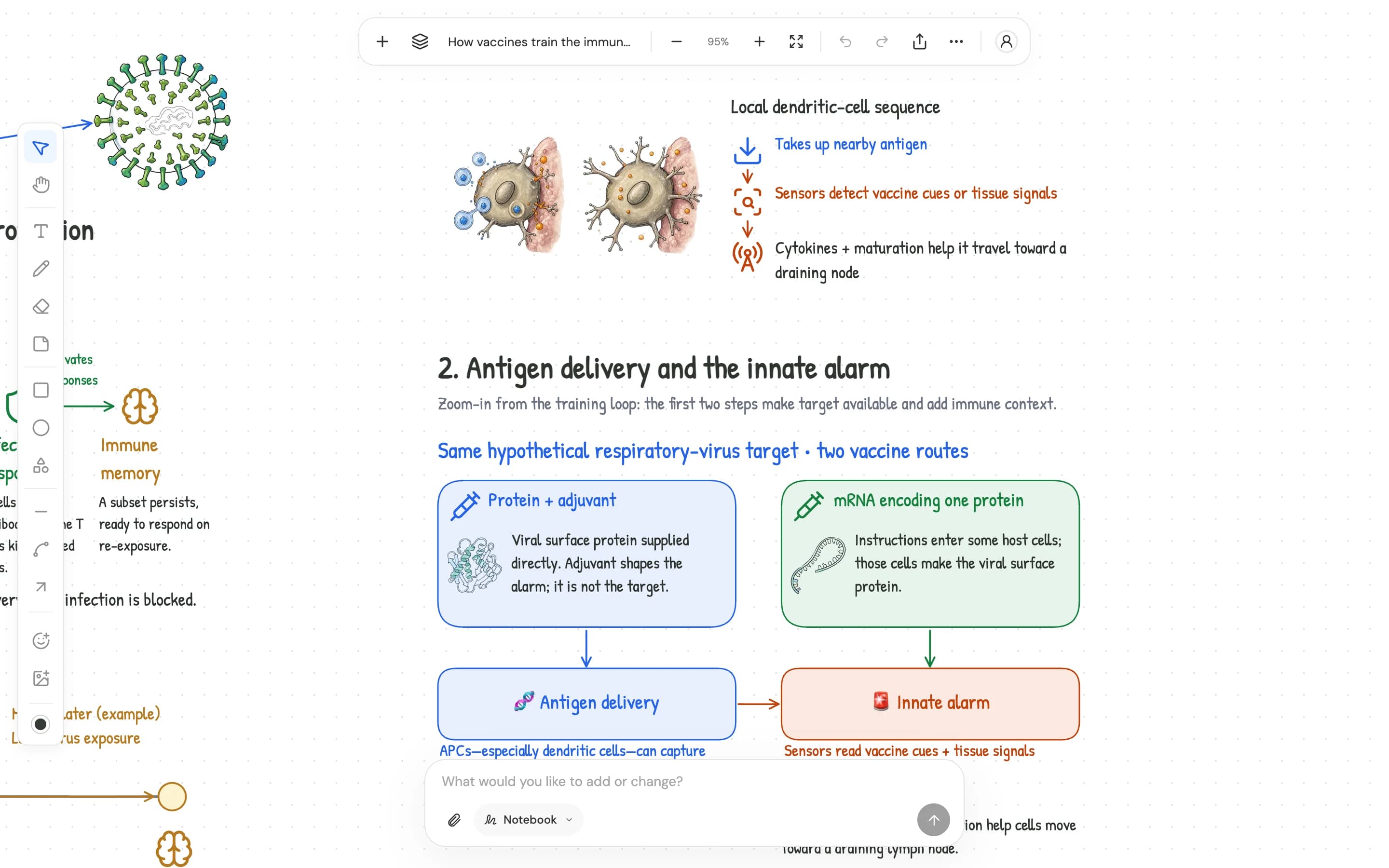
We built Bord so you can look at both at once. Put the same question to Ask and a cursor writes headings, notes and arrows on an infinite board, then places diagrams and pictures beside them.
Side by side
In the board above, a protein vaccine and an mRNA vaccine sit in two boxes, with arrows down to the steps that follow. You read across them and see where they differ. Zoom out and you can see the whole topic as one map, which helps when you come back to revise.
Yours to change
Bord writes the same notes and shapes you make yourself, so you can move a box, fix a word or sketch over a diagram. Select something and ask about it, and the AI works from that part of the board.
One board, four modes
Once you have a board, you can do more on it. Quizbook tests you and grades your answers. Flashcards turns it into a deck and spaces the reviews. Tutor teaches out loud and draws as it speaks. Live Notes records the lecture you’re in and takes the notes.
Turn all of that off and you still have an infinite notebook and whiteboard, which is what we set out to make first.
Try it on a board of your own.
No account needed to start. Guest boards stay on your device.