Bord, drawn right.
The logo, colours and type for writing about Bord, linking to it or listing it. Take the whole kit, or pick single files below.
Download the kitRead the guidelines
SVG and PNG, transparent or squared on white and black, with a short readme.
01The mark
The scribble is the whole identity: it's the favicon, the app icon, the loading cursor and the Ask icon. It's a stroke, so it scales to any size and takes any single colour. Use it on its own when the word is already nearby or there's no room for it.



- Minimum size 16 px tall on screen, 5 mm in print.
- Clear space on every side at least a third of the mark's height.
- Any one solid colour is fine, as long as it reads clearly against its background.
02The logo
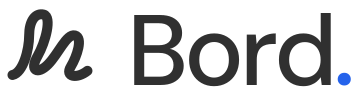
The mark sits beside the word, as in the top bar of every page. The full stop takes the accent blue. Use this wherever Bord is named as a product: articles, listings, partner pages, slides.


- Don't set the word in another typeface, or retype it next to the mark.
- Don't stack the mark above the word, rotate it, or stretch the lockup.
- Don't add shadows, outlines, gradients or a box around it.
- Don't put the mark inside another logo, or next to one so closely it reads as a single lockup.
03The app icon
On app stores, home screens and browser tabs, the scribble sits on the agent's glow: four soft pools of colour on white, the same glow that follows the AI's cursor on a board. Use the square where the platform rounds corners itself, and the round one where it doesn't.

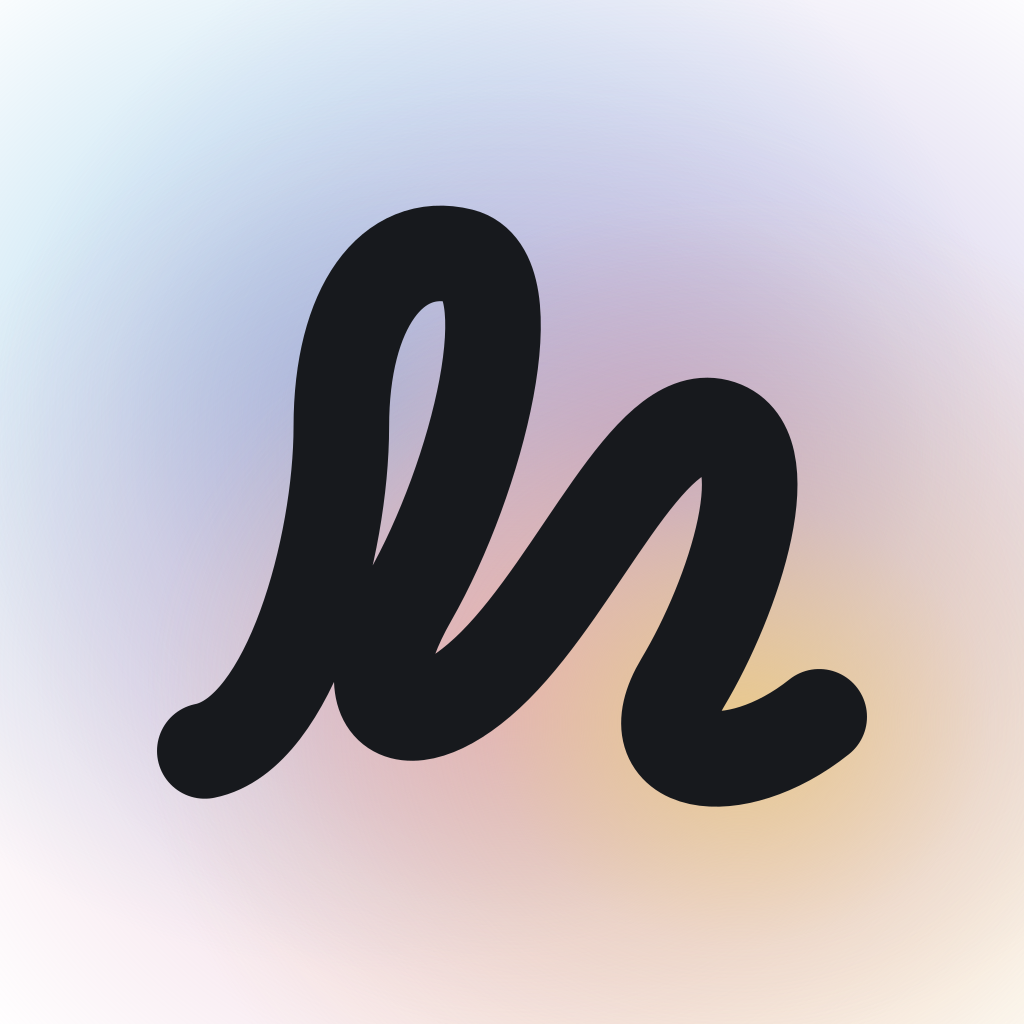
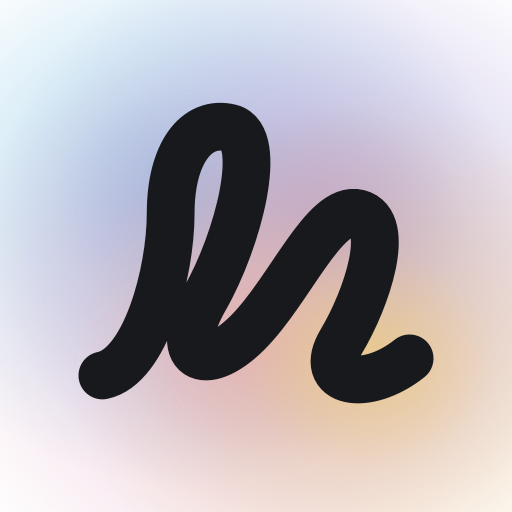
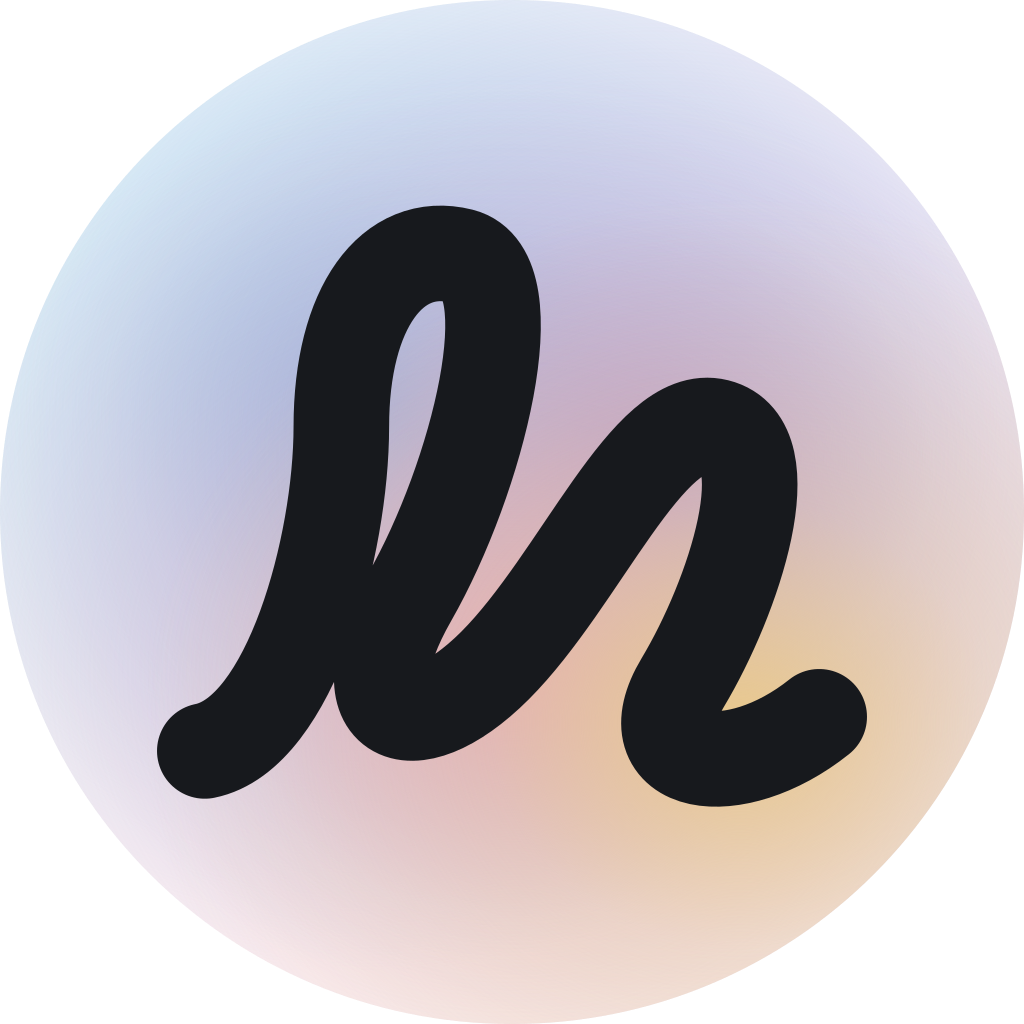
The icon is a finished picture. Don't change the glow, place the mark on a flat colour, or add a wordmark inside it.
04Colour
Bord is charcoal ink on white paper, with a dot grid. Colour comes from the things on the board: coloured inks for headings and arrows, bright sticky notes, and the agent's glow. Pick one or two for a piece, never all of them at once.
Ink
Text, strokes and the marks on the page. Each has a lighter twin for dark mode.
- Charcoal
#303030Body text, the mark, the word - Orange
#d4440cdark #ff8f57 - Green
#1a7f37dark #4fd67a - Blue
#1668dcdark #6cb0ff - Plum
#a626c9dark #dc8cf5 - Accent
#2563ebButtons, links, the full stop
Paper
Sticky notes and highlights. Always carry dark text, in light and dark mode alike.
- White
#ffffffThe board itself - Butter
#ffe066 - Peach
#ffbe8a - Rose
#ffb0cb - Sage
#93eca6 - Sky
#8fd0ff - Lilac
#dcb6ff
Glow
The four pools behind the AI's cursor and under the app icon. Always soft, always blended, never a flat fill.
- Cyan
#8cc7e6 - Violet
#a99bd6 - Pink
#e2a9c4 - Amber
#e9c98a
05Type
Two typefaces, both free, both on Google Fonts. The handwriting is what you're reading now.
06Words
Say Bord for the product and the company's app, and Pockless, Inc. for the company. The four modes are proper names and keep their capitals.
One line
An infinite notebook and whiteboard, with AI on the board.
A few more
Write and sketch on one endless board, then use its superpowers: it writes notes for you, teaches you out loud, takes your lecture notes, quizzes you and makes your flash cards.
- It's a noteboard first: a canvas you'd use with the AI switched off. Lead with that.
- “Infinite notebook and whiteboard” and “AI on the board” are the phrases we use. Prefer them to “AI-powered”.
- Lower case for ordinary things: a board, a note, a lesson, a quiz.
07Pictures of the product
Screenshots of Bord are welcome in reviews, guides and listings. Take your own, or use the ones on the about page and the mode pages. Keep the interface as it is: don't retouch it, cover the mark, or present a mock-up as a real screen.
08Using the brand
You can use these assets to refer to Bord: a link, a review, an integration, a talk, a comparison, a directory listing. Use them as supplied, with the clear space above, and link back to Bord where you can.
- Don't suggest Bord made, sponsors or endorses something it didn't.
- Don't use the name or the mark in your own product's name, logo, domain or app icon.
- Don't sell anything carrying the mark.
- Don't alter the files: the shapes, proportions and colours stay as they are.
Can I use the logo on my site?
Yes, to link to Bord or to say you work with it. Use the lockup as supplied, at a size where it's legible, with clear space around it.
Can I use the name in a headline or a title?
Yes. Write it as Bord. You don't need to add a mark or a trademark symbol.
I need something that isn't here.
Write to [email protected] and say what it's for. Co-marketing, press and partnership requests go to the same place.
Everything above, in one file.
Updated when the product's own marks change. The kit is generated from the same code that draws the favicon.